App UX/UI Design for Screens, Flows & Product Clarity
Mobile screens, onboarding flows, interface systems, navigation and app journey design that support clear journeys and product goals.
Interface design that keeps journeys clear
Good app UX/UI design makes the product easier to understand and use — from the first screen to the core action.
- App screens
- User flows
- Onboarding
- Navigation
- Wireframes
- Clickable prototypes
- Design systems
- Mobile interface patterns
- Usability considerations
Interface systems, not one-off screens
A shared design system keeps components, spacing and states consistent — so the product feels cohesive as it grows.
Flows and wireframes before pixels
Interface work starts with structure — mapping flows and wireframes so screens are designed around the journey, not the other way around.
- Journey mapping
- Wireframes
- Component systems
- Interaction patterns
- Accessible contrast
- Responsive behaviour
Prototypes that show the product before it's built
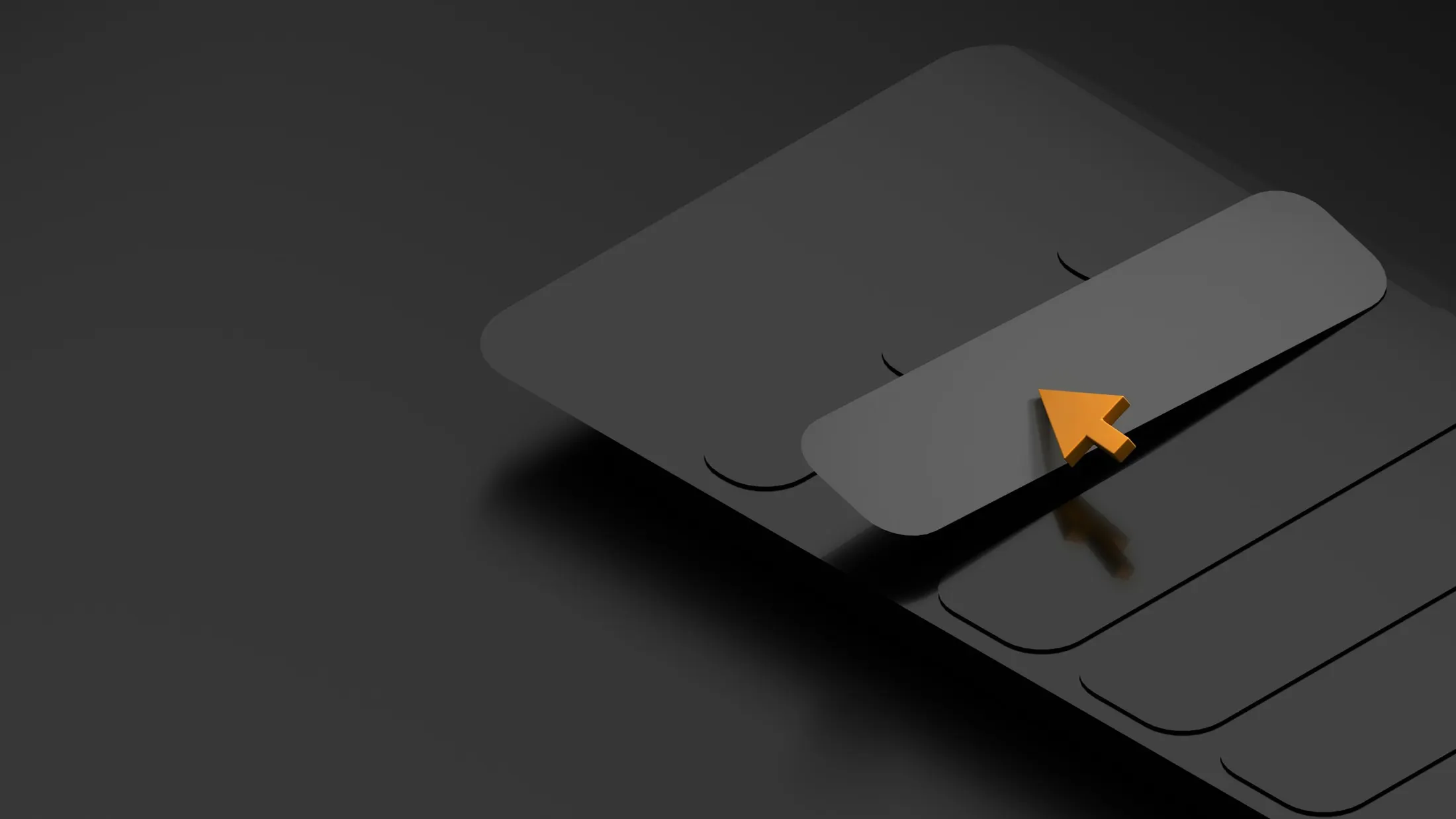
Abstract prototype screens make journeys tangible and reviewable — a shared reference point before development begins.
Continue exploring the App Core Lab
Mobile App Development
Mobile-first app development for customer apps, booking apps, portals, MVPs and product interfaces.
ExploreMVP & Prototype Development
Clickable prototypes, MVP planning, phased builds, product validation support and launch-ready scoping.
ExploreApp Landing Pages
Product websites, app launch pages, waitlist pages, lead capture and feature messaging.
ExploreReady to scope your project properly?
Share the idea, users and goals — we'll help you structure a realistic route to a usable product.